Guide
Network segmentation and recording rules for security camera systems
Cameras improve physical security but can be a weak link for network security. A separate network segment, current firmware, access logs and a clear retention policy should be planned together.
Verimel2 min read
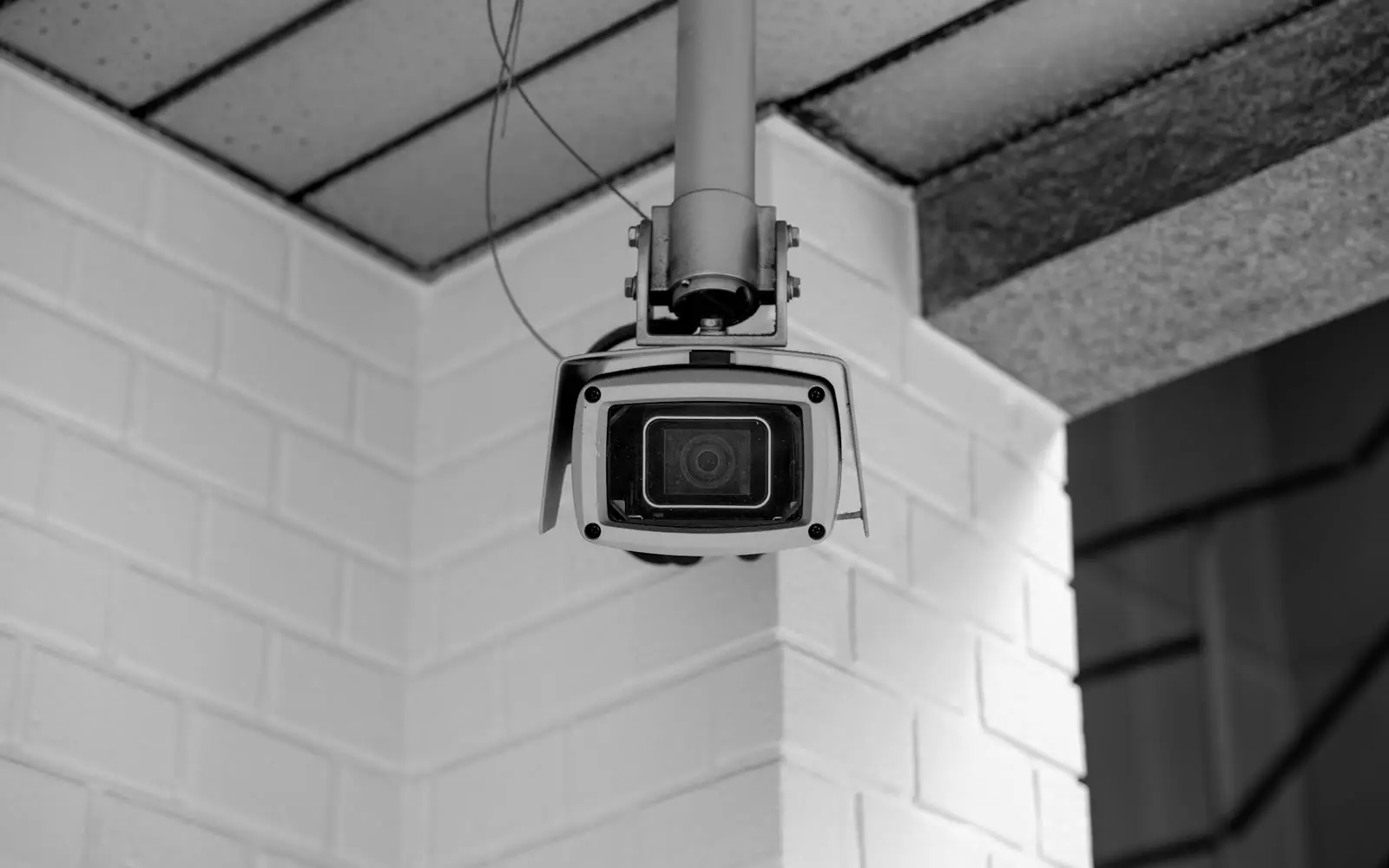
Security camera systems are usually treated as physical security projects, with attention on camera placement, angle and image quality. Yet every networked camera is also a computer and should be assessed for security like any other device.
Why a separate network?
Cameras often run the same firmware for many years, and manufacturers update at different rates. A camera on the same network as user computers can, if compromised, become an entry point to other devices.
Keeping cameras and the recorder on a separate network segment limits this risk:
- Cameras can only talk to the recorder.
- Only authorised viewing clients can reach the recorder.
- Cameras’ direct internet access is blocked or limited to the addresses they need.
Points to check in the initial configuration
- Default usernames and passwords must be changed.
- Unused ports and remote access features should be switched off.
- Firmware should be upgraded to the current version before going live.
- Time synchronisation must be correct; otherwise the timestamps on recordings cannot be trusted.
Remote viewing
When recordings need to be watched from outside the office, prefer an encrypted connection (VPN) or the manufacturer’s secure cloud tool rather than exposing the recorder directly to the internet. Remote access accounts should be personal and protected with multi-factor authentication.
Recording retention
Camera recordings may count as personal data. Therefore:
- Decide how long recordings are kept and configure the system accordingly.
- Define who can access recordings and log that access.
- It is good practice to inform people in areas covered by cameras.
- Exporting recordings should only be done by authorised people and with a reason.
It helps to go through topics such as retention periods and informing people together with the organisation’s legal adviser.
Storage capacity
Retention period, number of cameras, image resolution and recording mode (continuous or on motion) together determine the storage needed. The capacity plan should also account for what happens when new cameras are added.
The result
A well-designed camera system improves physical security without weakening network security. A separate segment, current firmware, personal access and a clear retention policy keep the system running safely for years.